500+ Support Tickets a Day, Triaged by AI in Seconds: Not by an Agent Reading Every One
LLM-powered classification, prioritization, and routing replaced manual tagging entirely. Routing 60% faster. Urgent tickets escalated the moment they arrive.
Written by Shubham(opens in new tab), Founder at BestlaTech · Published April 23, 2026
Engagement Type
AI Automation: LLM Ticket Triage
Duration
5 Weeks
Client
B2B SaaS
Client
B2B SaaS Company
Duration
5 weeks
Category
AI Automation / Customer Support
Client's Markets
US
Faster Routing
60%
From inbox to the right specialist
Tickets/Day Processed
500+
Classified, prioritized, and routed automatically
Shadow-Mode Validation
2 wks
AI ran in parallel with human triage before cutover
Delivered in Production
5 wks
Fixed scope, fixed price
Key Facts
BestlaTech built an LLM-powered ticket triage pipeline for a B2B SaaS support team handling 500+ tickets a day, every incoming ticket is automatically classified, prioritized, and routed to the right specialist, with confidence thresholds routing uncertain cases to human review.
Client:
A B2B SaaS companyWhat was built:
An LLM classification pipeline integrated with the helpdesk: auto-tagging, priority scoring, and specialist routing with human-in-the-loop fallbackTimeline:
5 weeks, including a 2-week shadow-mode validation before cutoverEngagement model:
Fixed scope, fixed priceResult:
60% faster routing; 500+ tickets/day classified automatically; urgent tickets escalated in seconds instead of sitting in a general queueThe Challenge
Every Ticket Read Twice
A triage agent read each ticket to tag and route it: then the specialist read it again from scratch. Hundreds of duplicated readings every day.
Inconsistent Tags, Broken Reporting
Tagging conventions drifted between agents. Support analytics built on those tags quietly became unreliable, and leadership was making decisions on bad data.
Urgent Issues Buried in the Queue
Outages and churn-risk escalations sat in the same general queue as password resets. Priority only existed after a human read the ticket: sometimes hours later.
Taxonomy First. Then AI. Then a Cutover You Can Trust.
An LLM classifier is only as good as the categories it classifies into and the evidence that it agrees with your best people. So we started with the taxonomy, validated in shadow mode against real human triage decisions, and only then cut over.
Taxonomy Before AI
We workshopped the category, priority, and routing structure with the support leads first, encoding how their best triage agent thinks, not just what the old tags happened to be.
Confidence Thresholds, Not Blind Automation
Tickets are auto-routed only when the classifier's confidence clears a threshold. Below it, the ticket goes to a human triage queue: the system knows what it doesn't know.
Two Weeks in Shadow Mode
Before cutover, the pipeline classified every ticket in parallel with human triage. We measured agreement, found the weak categories, and tuned prompts against real disagreements, not hypotheticals.
Human-in-the-Loop by Design
Agents can correct any classification in one click. Corrections are logged and feed the evaluation set, so the system's weak spots keep shrinking after launch.
Technologies Used
Key Features
LLM ticket classification via the Claude API: category, priority, and routing in one structured response
Confidence thresholds with automatic human-triage fallback for uncertain tickets
Instant escalation rules for urgent categories: outages, security, churn-risk signals
Helpdesk webhook integration: tickets classified within seconds of arrival
One-click agent correction flow feeding a continuously growing evaluation set
Classification audit log in PostgreSQL powering reliable support analytics
Shadow-mode deployment tooling for measured, low-risk cutover
Results & Impact
60% faster routing from inbox to the right specialist
500+ tickets per day classified, prioritized, and routed automatically
Urgent tickets escalated within seconds of arrival instead of waiting in a general queue
Consistent tagging restored the reliability of support analytics
Triage effort redeployed to actually answering customers
Delivered in 5 weeks including two weeks of shadow-mode validation
The triage queue stopped being a job. Tickets arrive classified, prioritized, and in front of the right specialist, and the humans spend their time on the part AI shouldn't do: actually helping customers.
Before vs After
| Before | After | |
|---|---|---|
| Triage | Every ticket read and tagged by hand | Classified automatically in seconds |
| Urgent tickets | Waited in the general queue | Escalated the moment they arrive |
| Tag consistency | Drifted between agents | One taxonomy, applied uniformly |
| Uncertain cases | Guessed under time pressure | Routed to human review by design |
If Your Team Reads Every Ticket Just to Route It, This Is Solvable.
High-volume inbound queues (support tickets, emails, form submissions) all have the same shape: a human reads each one just to decide who should really read it. That first read is exactly what LLM classification does well, when it's built with thresholds and human fallback.
SaaS Support Teams
Your ticket volume outgrew manual triage. LLM classification with confidence thresholds routes the easy 80% instantly and sends the ambiguous 20% to humans.
E-Commerce & Marketplace Support
Order issues, refund requests, seller disputes: high volume, clear categories, and urgency that shouldn't wait for a human reader.
Any High-Volume Inbound Queue
The same pipeline applies to shared inboxes, intake forms, and lead qualification: anywhere a human reads messages just to sort them.
Your Best Agents Shouldn't Be Reading Tickets Just to Sort Them.
Most discovery calls take 30 minutes. By the end, you'll know whether your ticket volume and taxonomy are a fit, and what a fixed-scope build would involve.
Book Your Free Discovery Call (opens in new tab)Fixed scope. Fixed price. Zero surprises.
Frequently asked questions
How accurate is LLM ticket classification?
What happens when the AI isn't sure about a ticket?
Does our customer data leave our systems?
Does the ticket triage run on Claude, and could we switch models later?
How long does something like this take to build?
Who can build AI ticket triage and routing for a support team?
How do I know AI triage won't misroute my customers' tickets?
Can AI triage work with Zendesk, Intercom, Freshdesk or a custom helpdesk?
Talk to an expert
Get expert advice from our official advisors
More of Our Case Studies
Explore our diverse portfolio of successful projects and innovative case studies that showcase our expertise in delivering top-notch solutions.
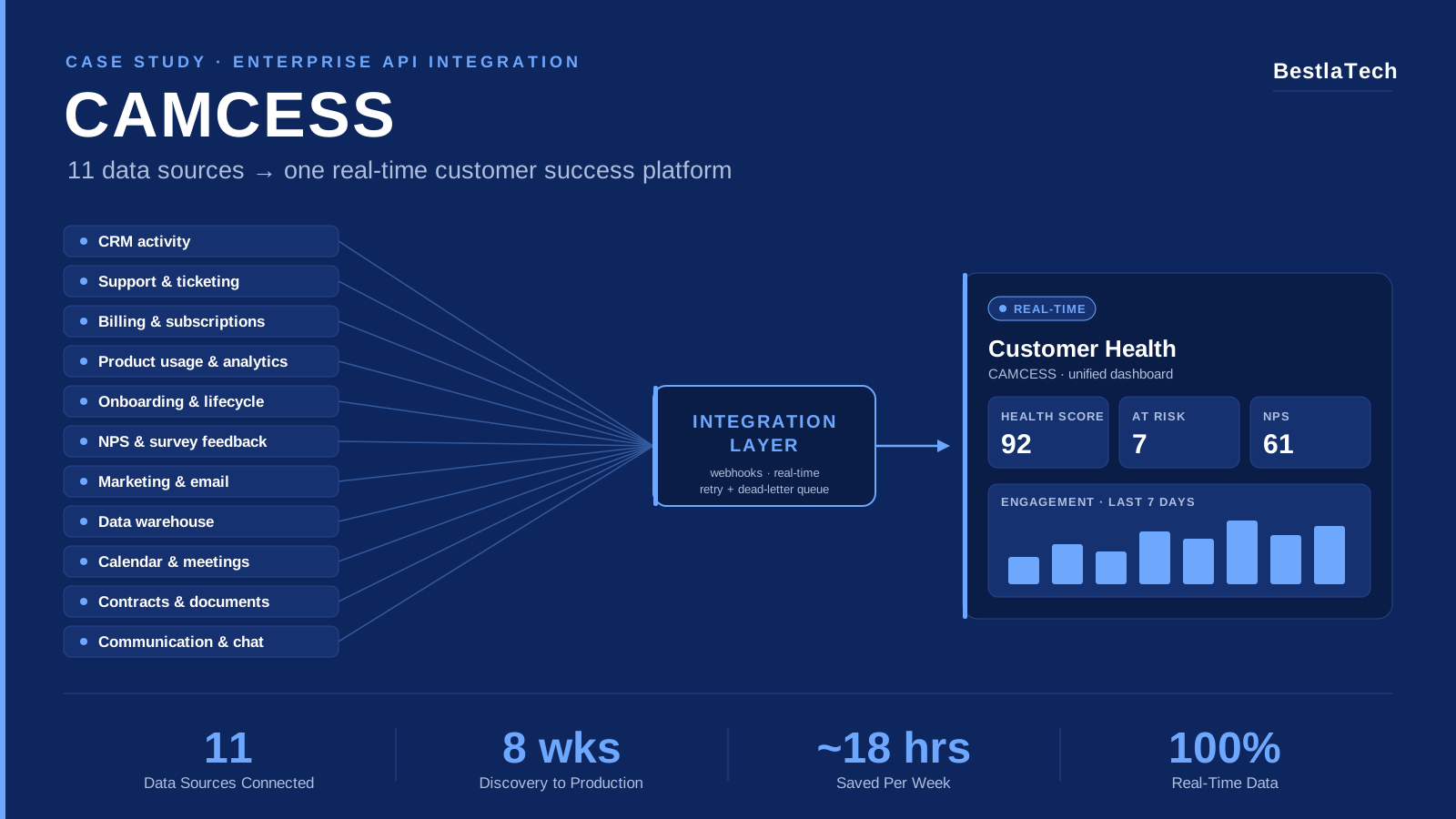
Customer Success SaaS
CAMCESS: How BestlaTech Connected 11 Data Sources into a Real-Time Customer Success Platform
End-to-end enterprise API integration for a B2B customer success SaaS, connecting 11 siloed data sources into a single real-time customer health dashboard, replacing weekly manual reconciliation entirely.
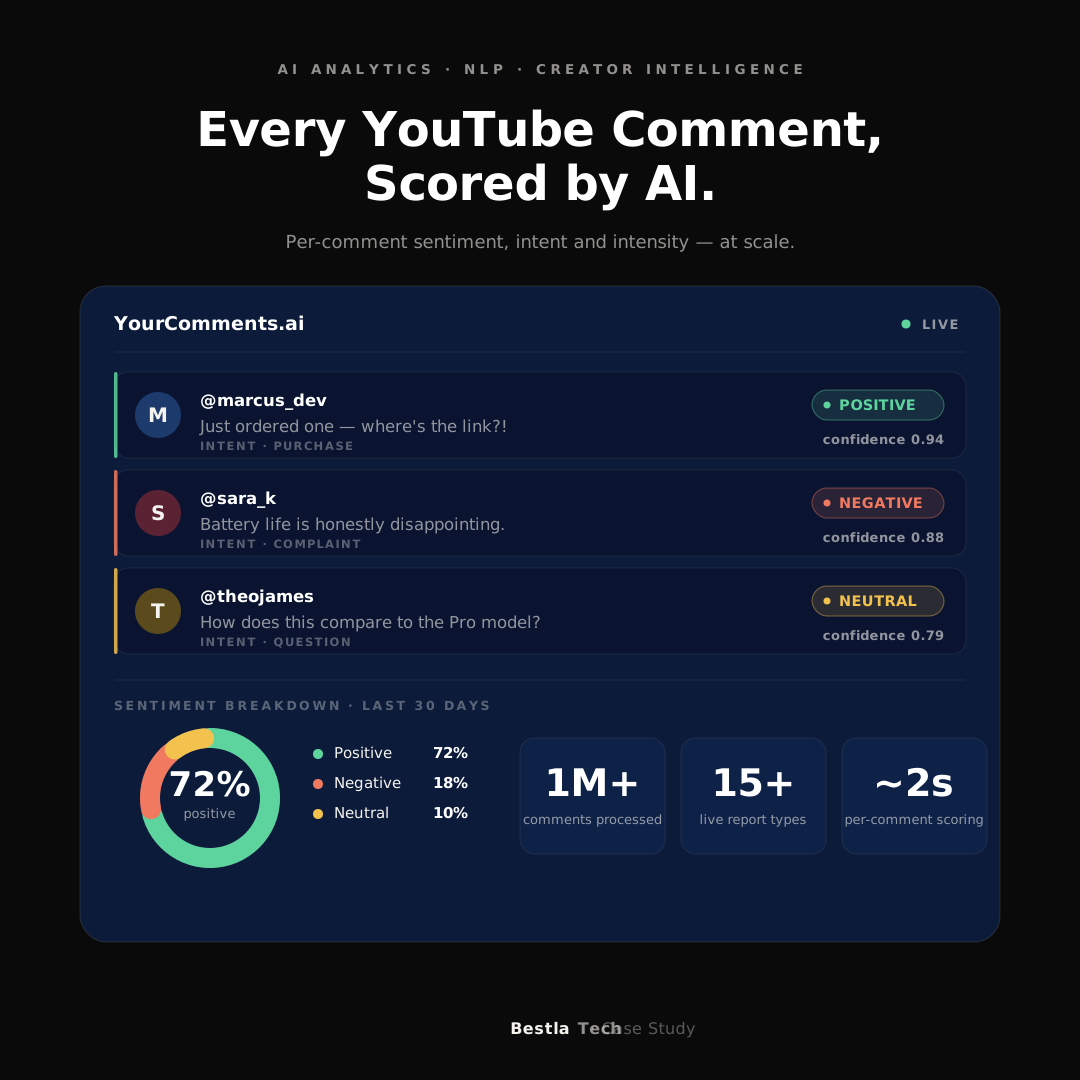
AI Analytics · NLP · Creator Intelligence
YourComments.ai: How BestlaTech Built a YouTube Comment Sentiment Analysis Platform from the Ground Up
Full-stack AI analytics platform built from scratch: fetching YouTube comments at scale, running per-comment sentiment analysis via OpenAI, streaming results through an NDJSON pipeline, and delivering creator and brand intelligence through live Metabase dashboards.
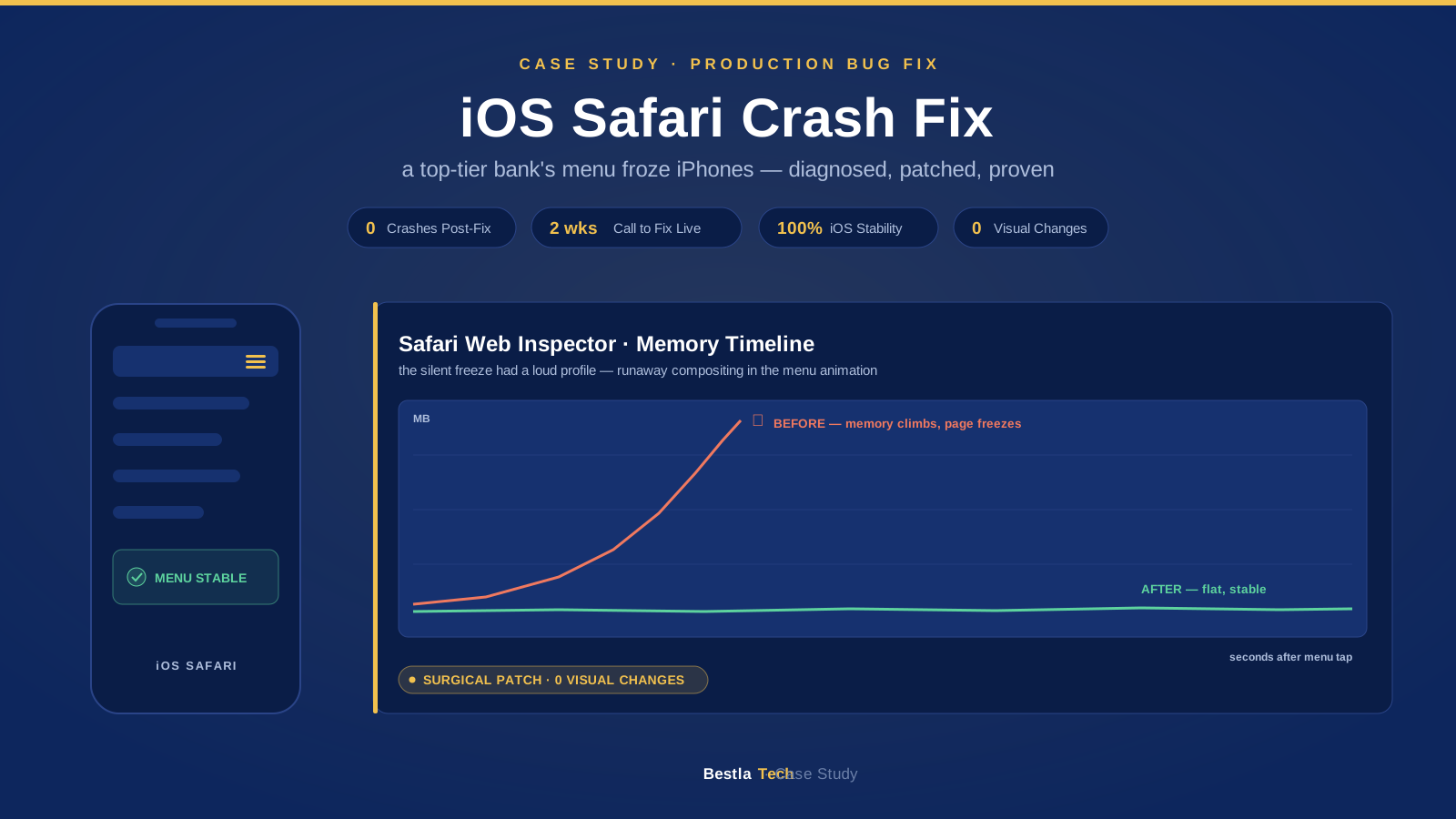
Mobile Web / Performance & Debugging
Diagnosing and Fixing an iOS Safari Navigation Crash on a Top-Tier Indian Bank's High-Traffic Website
Production incident engagement for a top-tier Indian private bank: the website's hamburger menu froze iPhones within seconds of a tap. Root cause diagnosed, patched, and verified across iOS versions in 2 weeks.
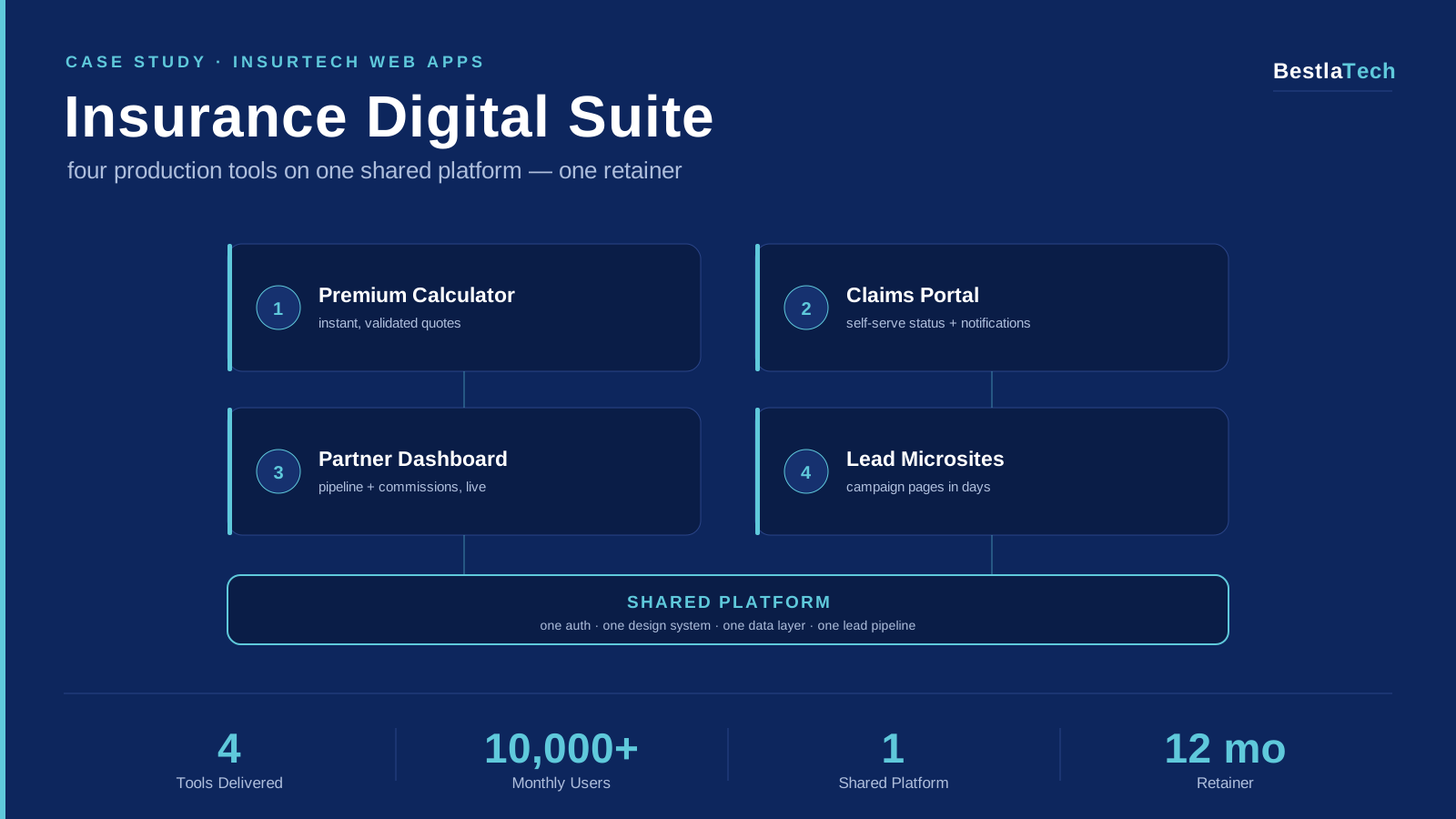
InsurTech / Web App Development
A Multi-Project Digital Suite for an Indian Insurance Broker: Premium Calculator, Claims Portal, Partner Dashboard & Lead Microsites
Multi-project engineering retainer for an Indian insurance broker: four tools delivered on one shared platform: an accurate premium calculator, a self-serve claims tracking portal, a partner/agent dashboard, and campaign lead microsites, now serving 10,000+ monthly users.
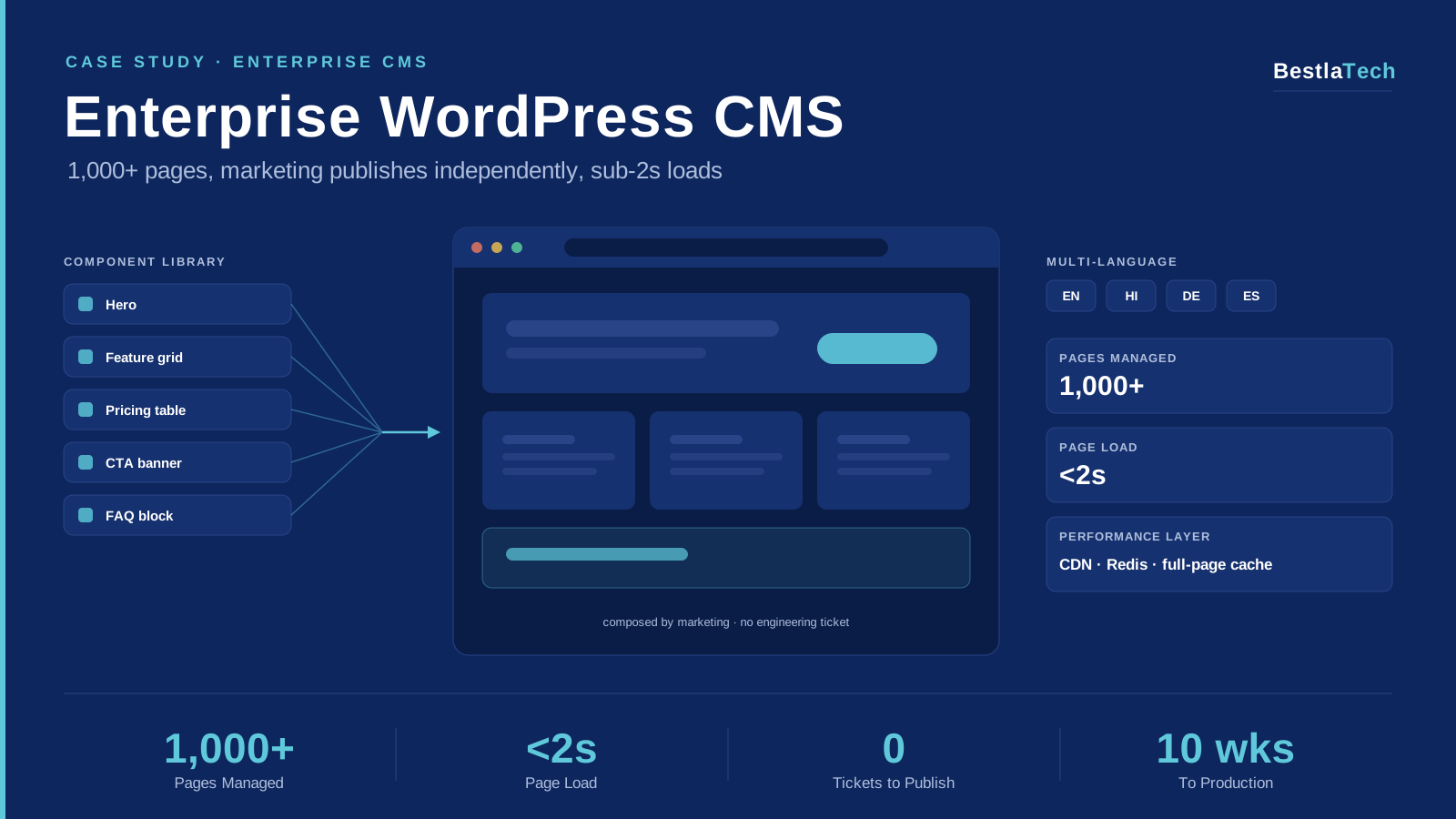
CMS Development / WordPress / Enterprise
An Enterprise WordPress CMS for a Leading CPaaS Company: 1,000+ Pages, Independent Publishing, Sub-2s Loads
Enterprise CMS build for a leading CPaaS company: a custom component-based WordPress theme, structured content architecture, and multi-language support that lets the marketing team publish independently at 1,000+ page scale with sub-2-second loads.
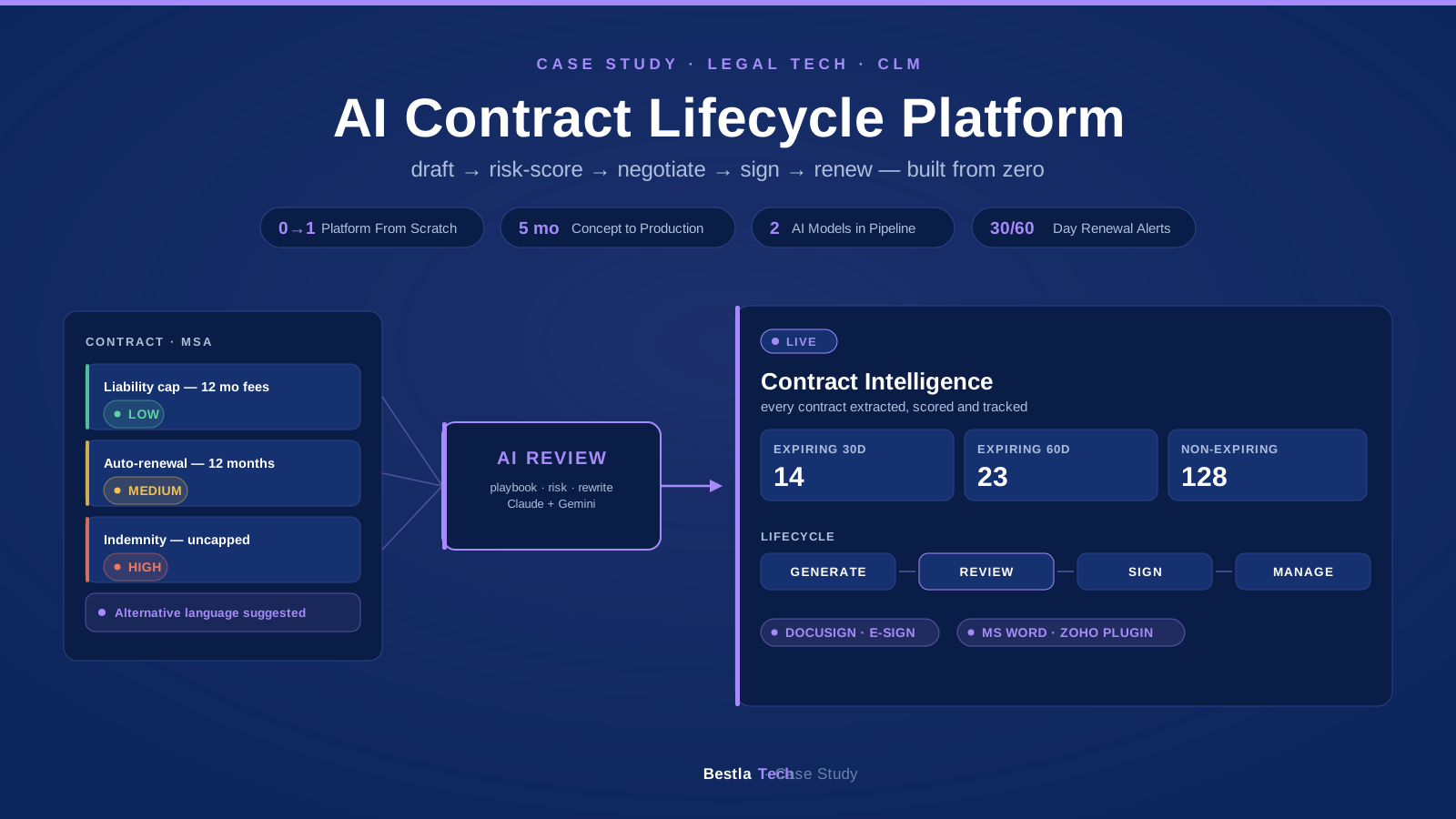
Legal Tech / CLM / AI Platform
Building an AI-Powered CLM Platform from Zero: Contract Generation, Clause Risk Scoring, Playbooks, E-Signature & Renewals
Full CLM (Contract Lifecycle Management) platform built from scratch for a legal-tech SaaS company (client name withheld). AI contract generation, metadata extraction and characterization, clause-by-clause risk scoring with suggested alternative language, playbook-driven review, 30/60-day renewal categorization, DocuSign e-signature, and Microsoft Word integration via a Zoho plugin.
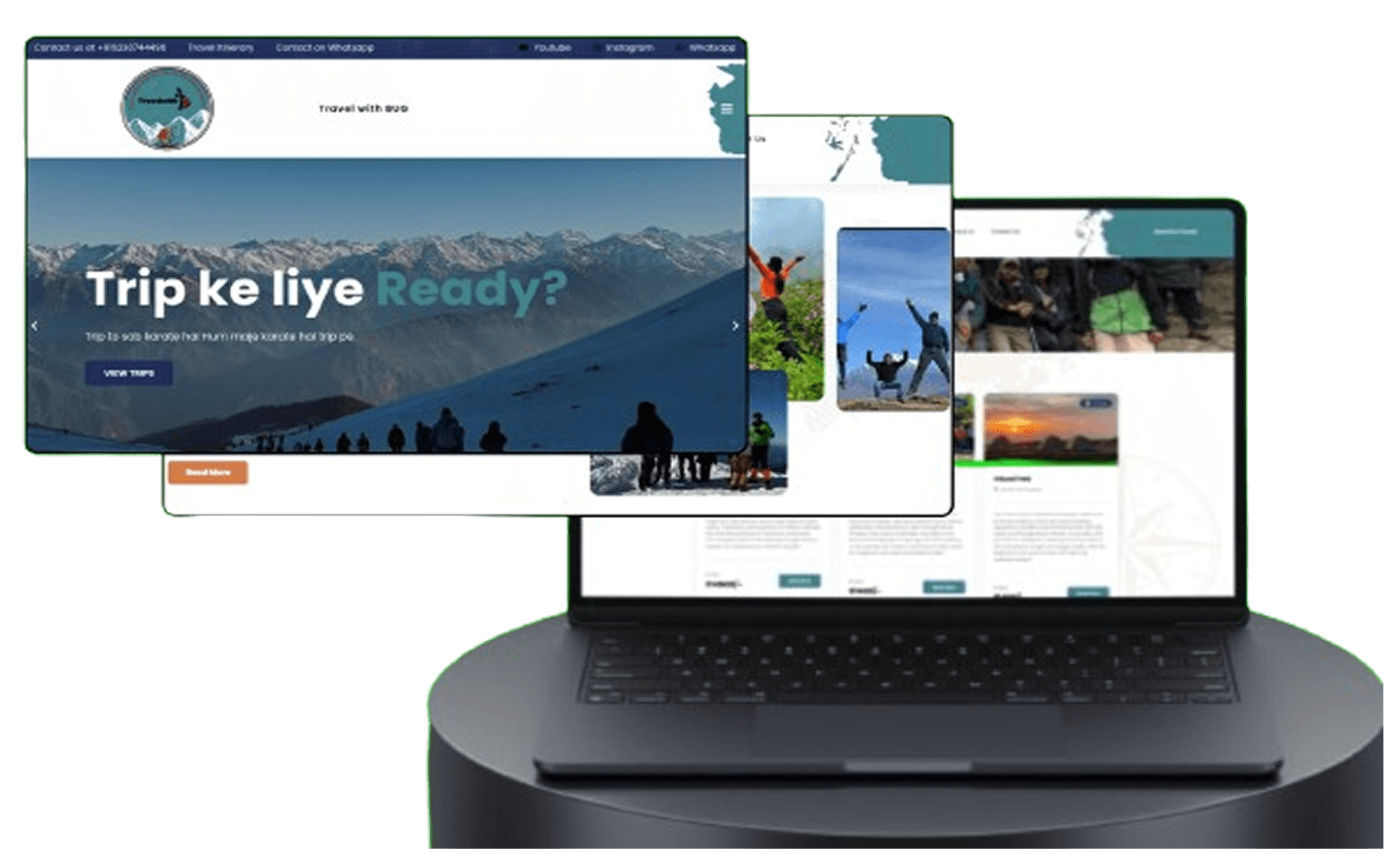
Travel & Tourism
Building a Complete Digital Presence for Travel With Bug Travel Company
End-to-end digital transformation for a travel agency - professional responsive travel website development with WordPress CMS, online booking system, tour package management, and SEO optimization for organic lead generation.
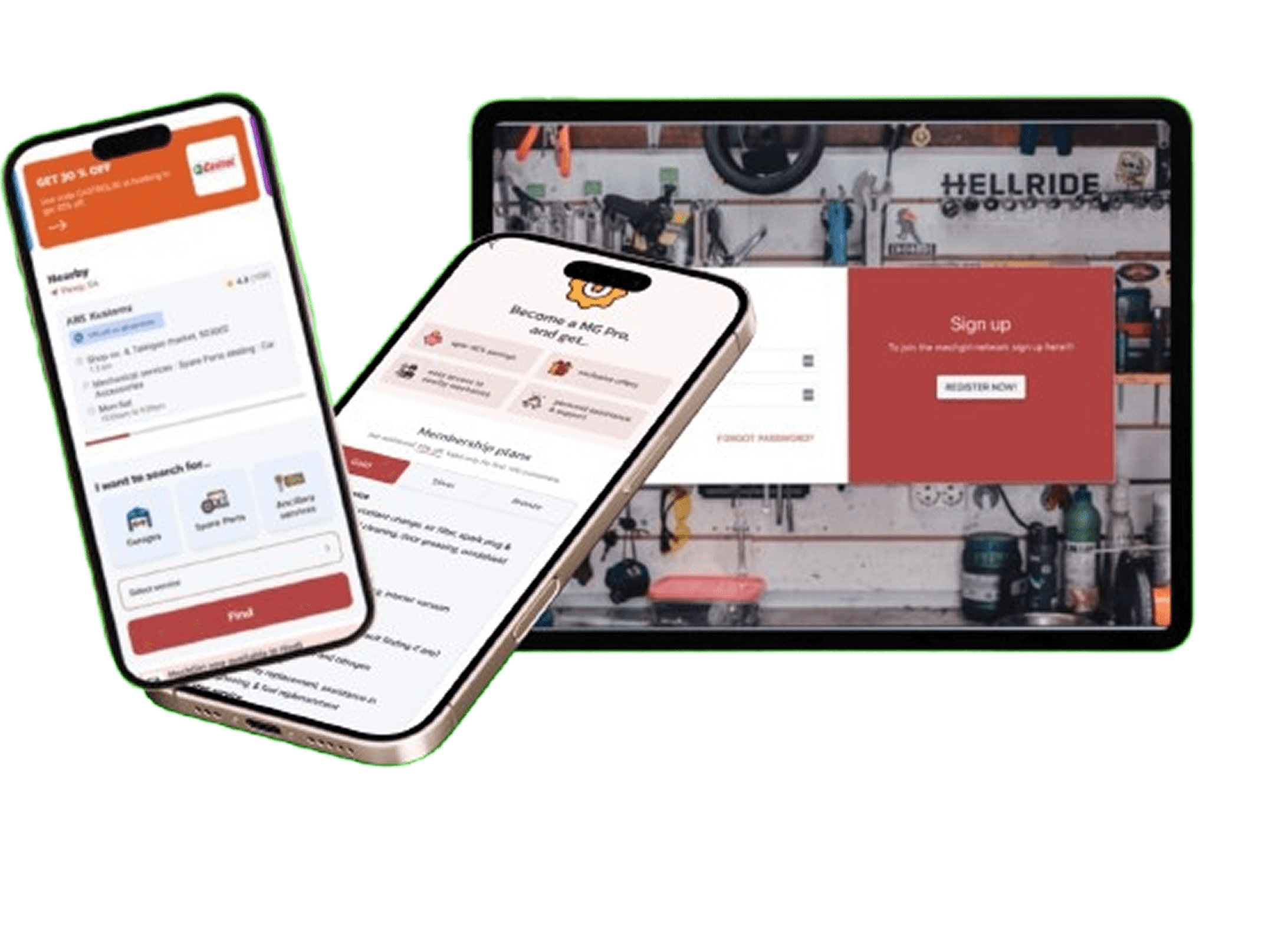
On-Demand Services
Full-Stack Mobile App and Web Development for Mechgiri On-Demand Auto Service Platform
Custom mobile app development and web application for on-demand vehicle servicing - featuring real-time tracking, technician management, automated booking system, secure payment gateway integration, and cross-platform admin dashboard.
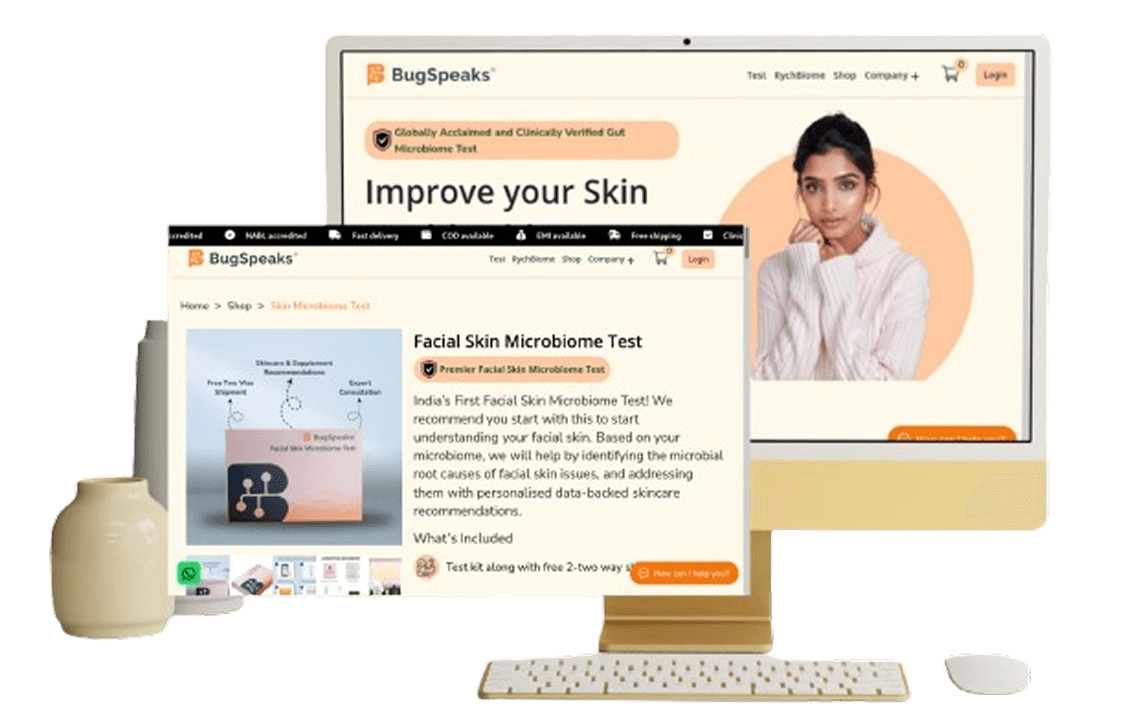
E-Commerce
Custom E-Commerce Website Development for BugSpeaks Gut Health Brand
Complete digital transformation from offline to online business - custom e-commerce platform development with Django, automated inventory management, secure payment integration, order tracking system, and scalable cloud infrastructure for health and wellness products.
Agritech / Smart Farming
Redesign and Performance Optimization for Letcetra Agritech
Complete frontend modernization for smart agriculture platform - Next.js development with server-side rendering, React component architecture, mobile-first responsive design, advanced SEO optimization, and performance enhancement for agritech industry leader.
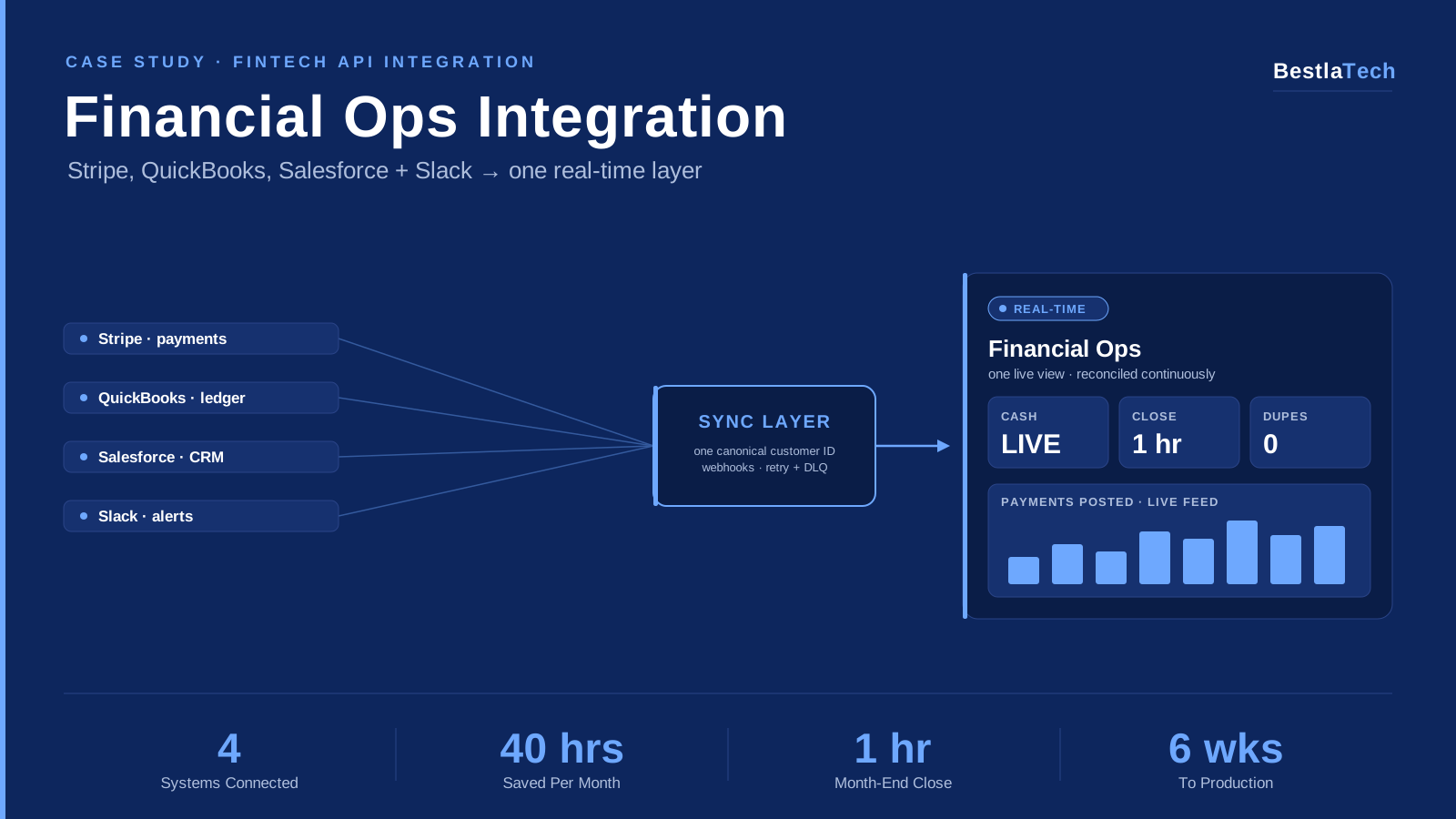
FinTech / Financial Operations
How a US FinTech SaaS Unified Stripe, QuickBooks, Salesforce & Slack into One Real-Time Financial Ops Layer
Multi-system API integration for a venture-backed US fintech SaaS. Stripe, QuickBooks, Salesforce, and Slack connected into one real-time financial operations layer, cutting the month-end close from 3 days to 1 hour.
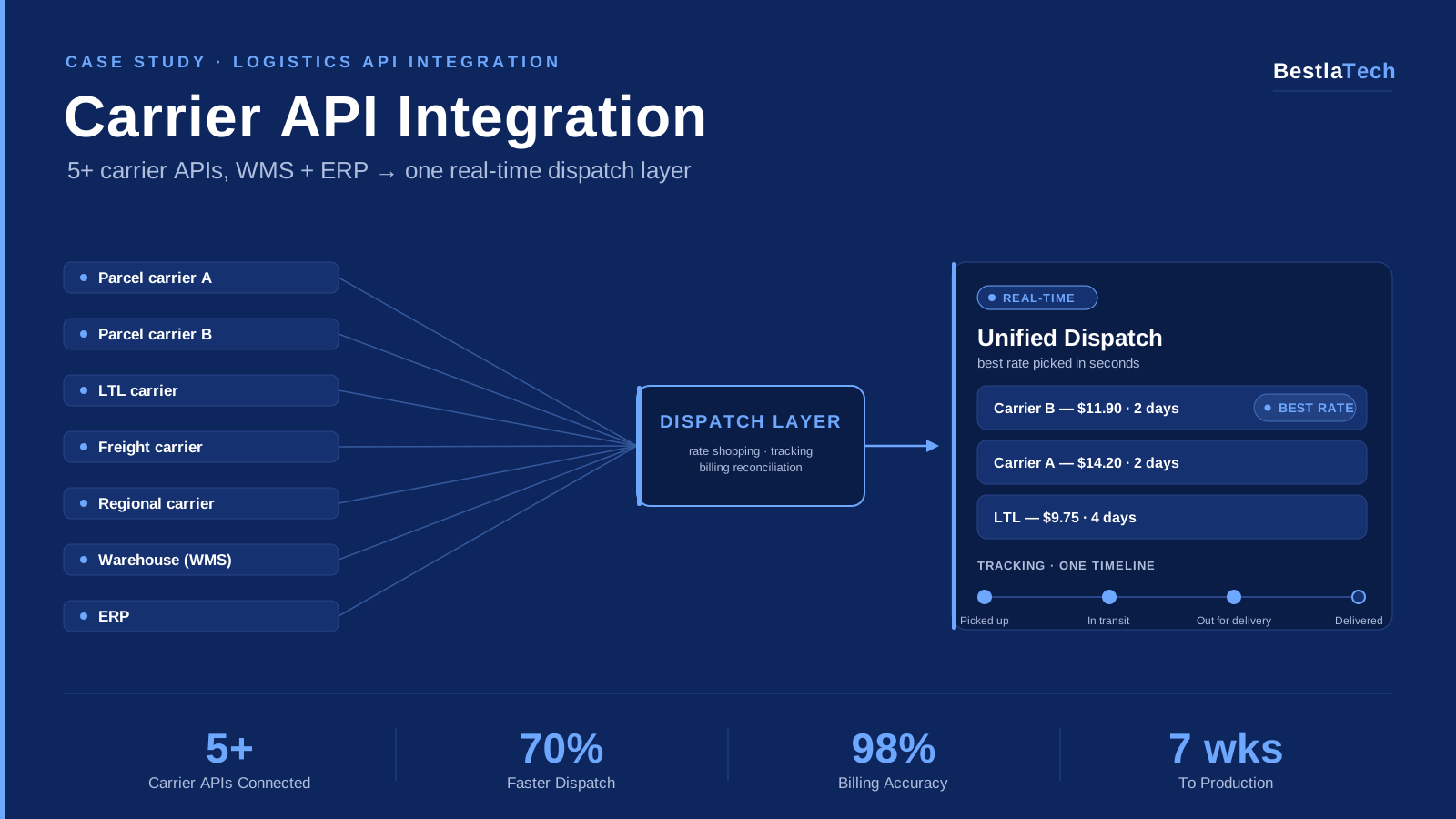
Logistics / Supply Chain
How a US Logistics Operator Unified 5+ Carrier APIs, WMS & ERP into One Real-Time Dispatch Layer
Multi-carrier API integration for a US logistics operator: parcel, LTL, and freight carrier APIs connected with the warehouse management system and ERP into one dispatch layer with automated rate shopping and unified tracking.
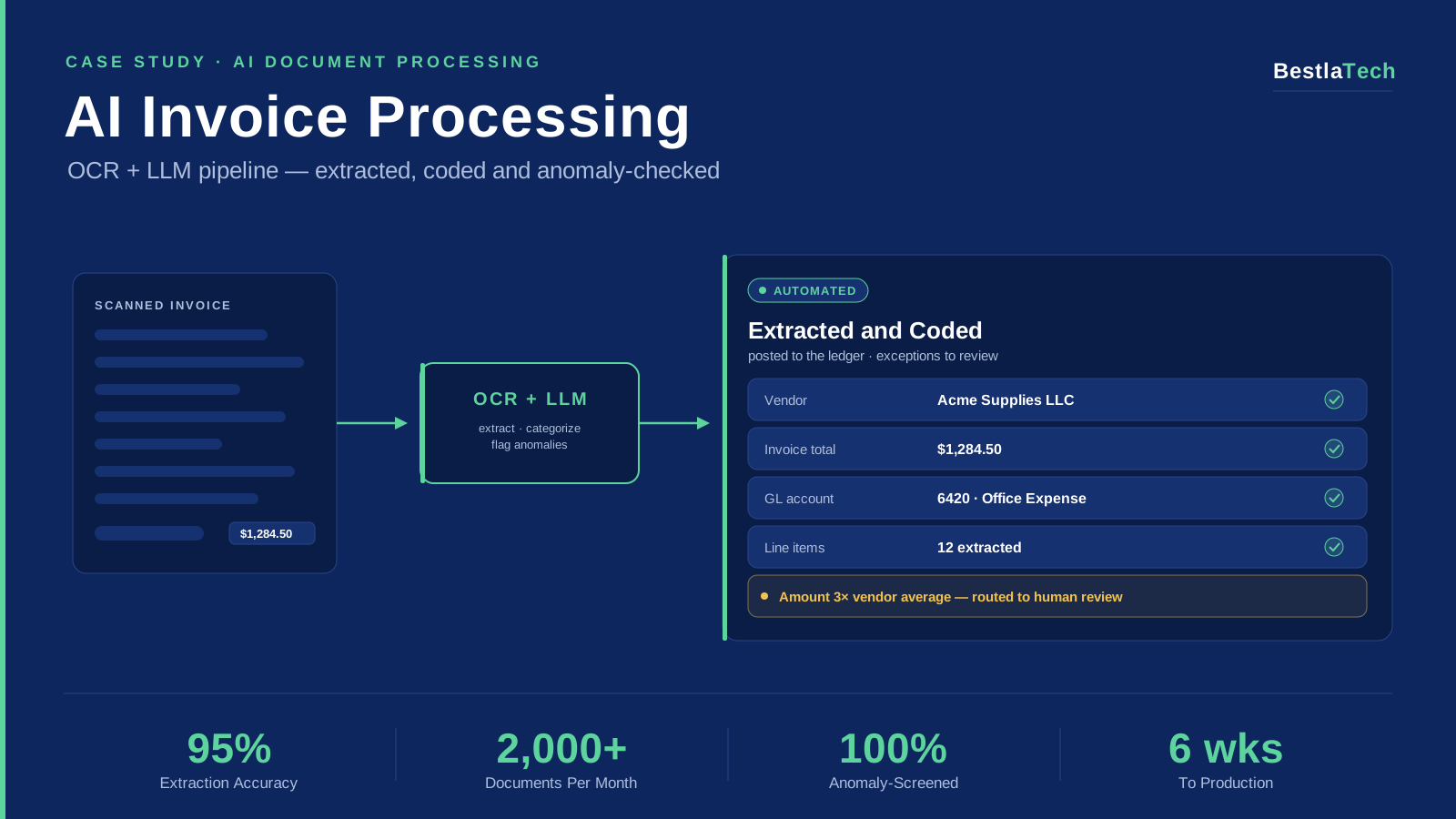
AI Automation / Accounting
How a US Accounting Firm Automated Invoice & Expense Processing with an OCR + LLM Pipeline: 2,000+ Documents a Month
AI document processing for a US accounting firm: an OCR + LLM pipeline that extracts line items from scanned invoices, auto-categorizes them to the chart of accounts, and flags anomalies, with a human review queue for low-confidence documents.
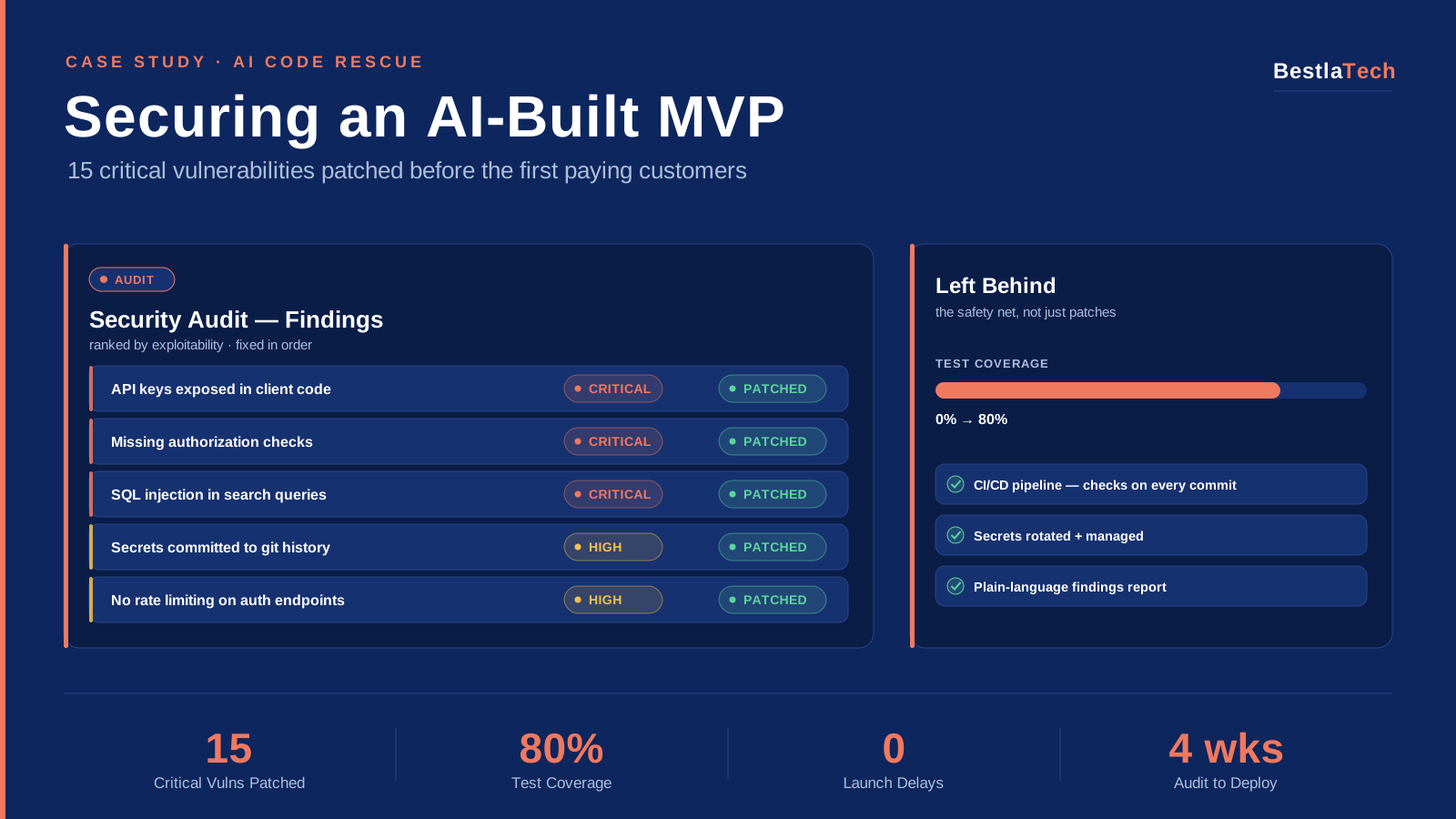
AI Code Rescue / Security
Rescuing an AI-Generated MVP: 15 Critical Vulnerabilities Patched Before the First Paying Customers Arrived
AI code rescue for a seed-stage SaaS startup: a security audit and hardening of an AI-generated MVP: 15 critical vulnerabilities patched, test coverage built from zero to 80%, and a CI/CD pipeline put in place before launch.
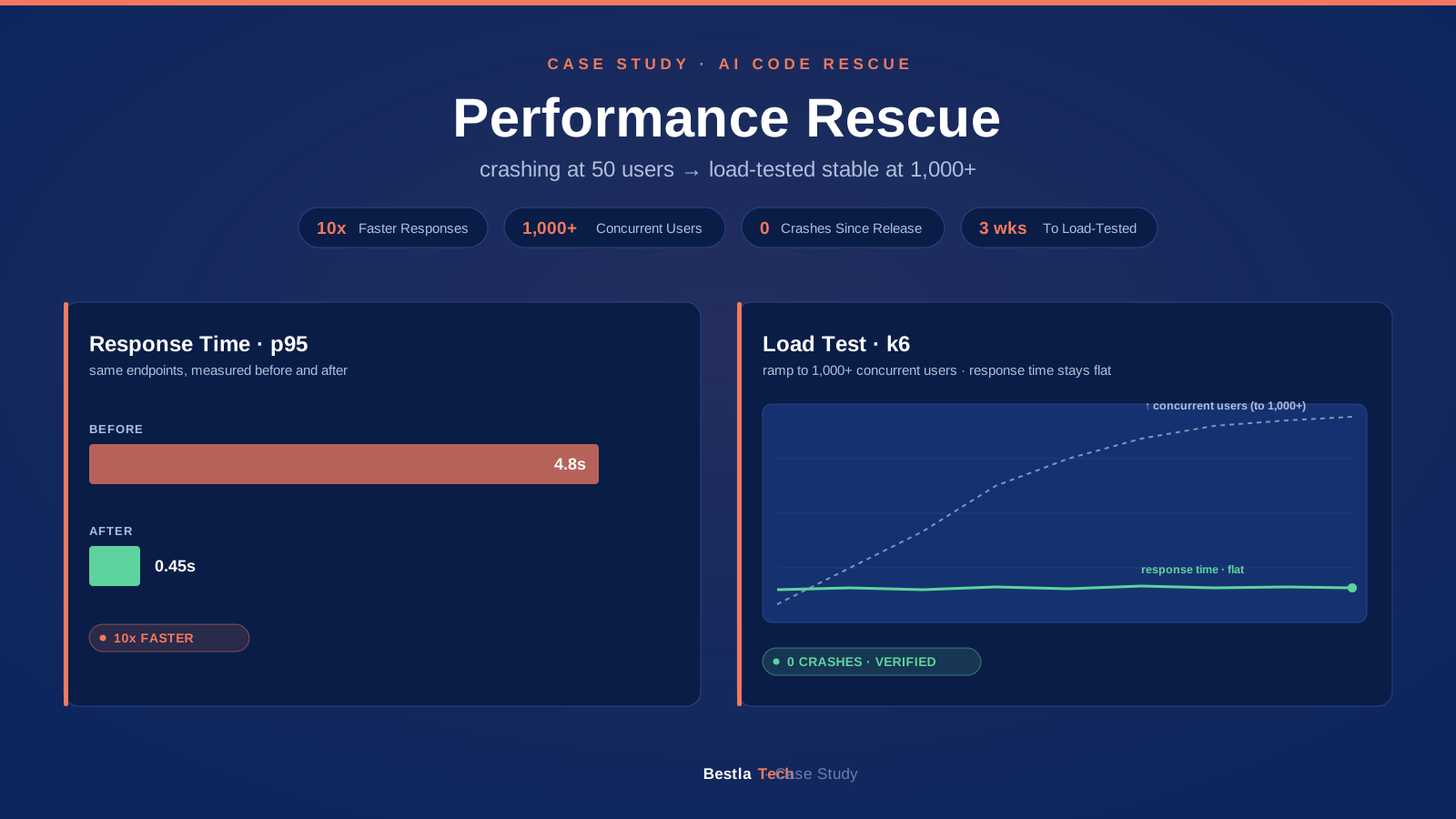
AI Code Rescue / Performance
From Crashing at 50 Users to Stable at 1,000+: Rescuing an AI-Generated App That Failed Under Real Load
Performance rescue for a consumer app startup: an AI-generated app that crashed under real traffic, fixed in 3 weeks: N+1 queries eliminated, memory leaks patched, caching added, and stability proven with load tests.
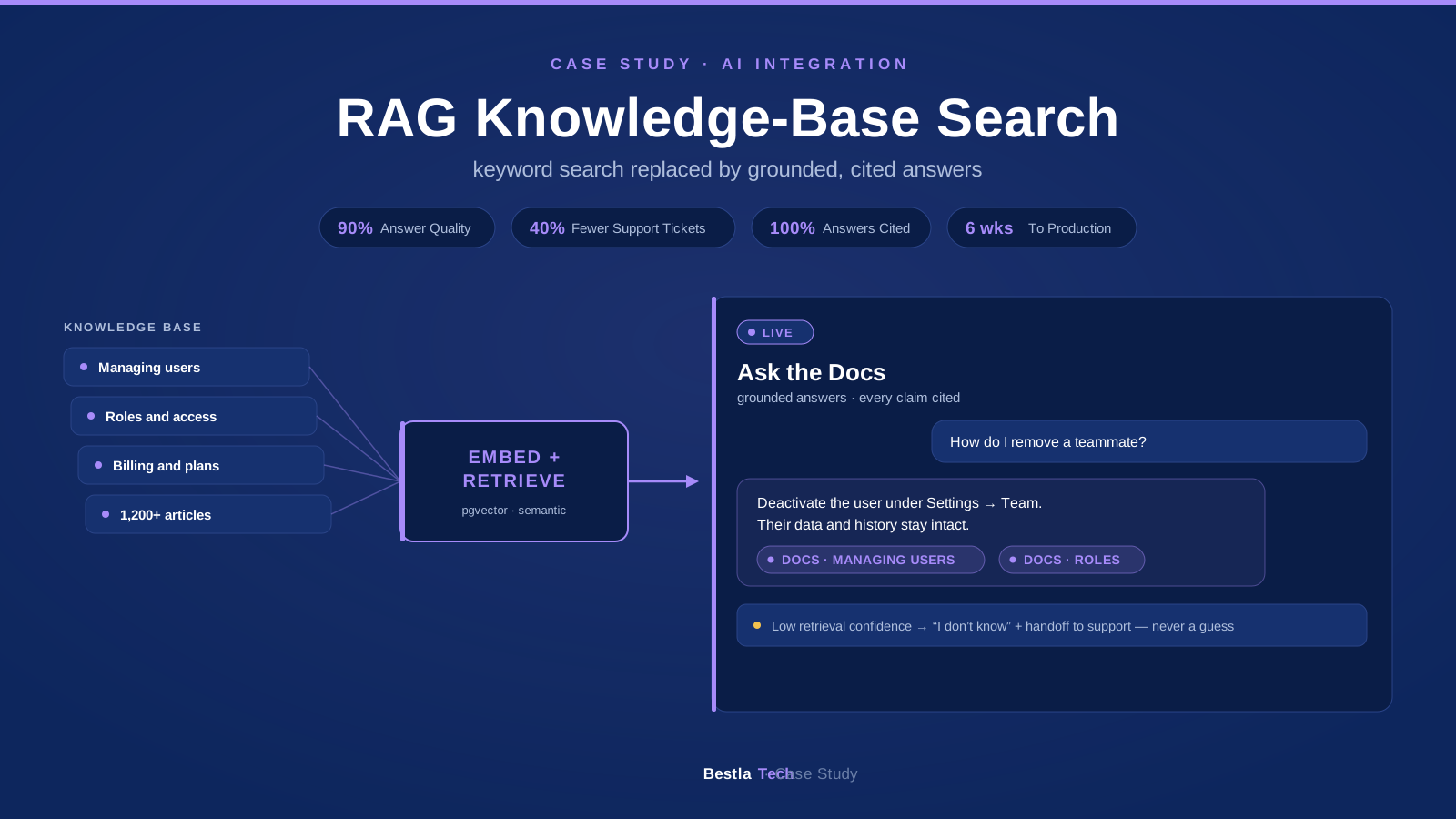
AI Integration / Knowledge Management
Replacing Keyword Search with a RAG Assistant: Grounded, Cited Answers Over a B2B Knowledge Base
RAG integration for a B2B SaaS platform. LLM-powered semantic search over the product knowledge base with grounded, cited answers, evaluated against a test set before launch. Support tickets down 40%.
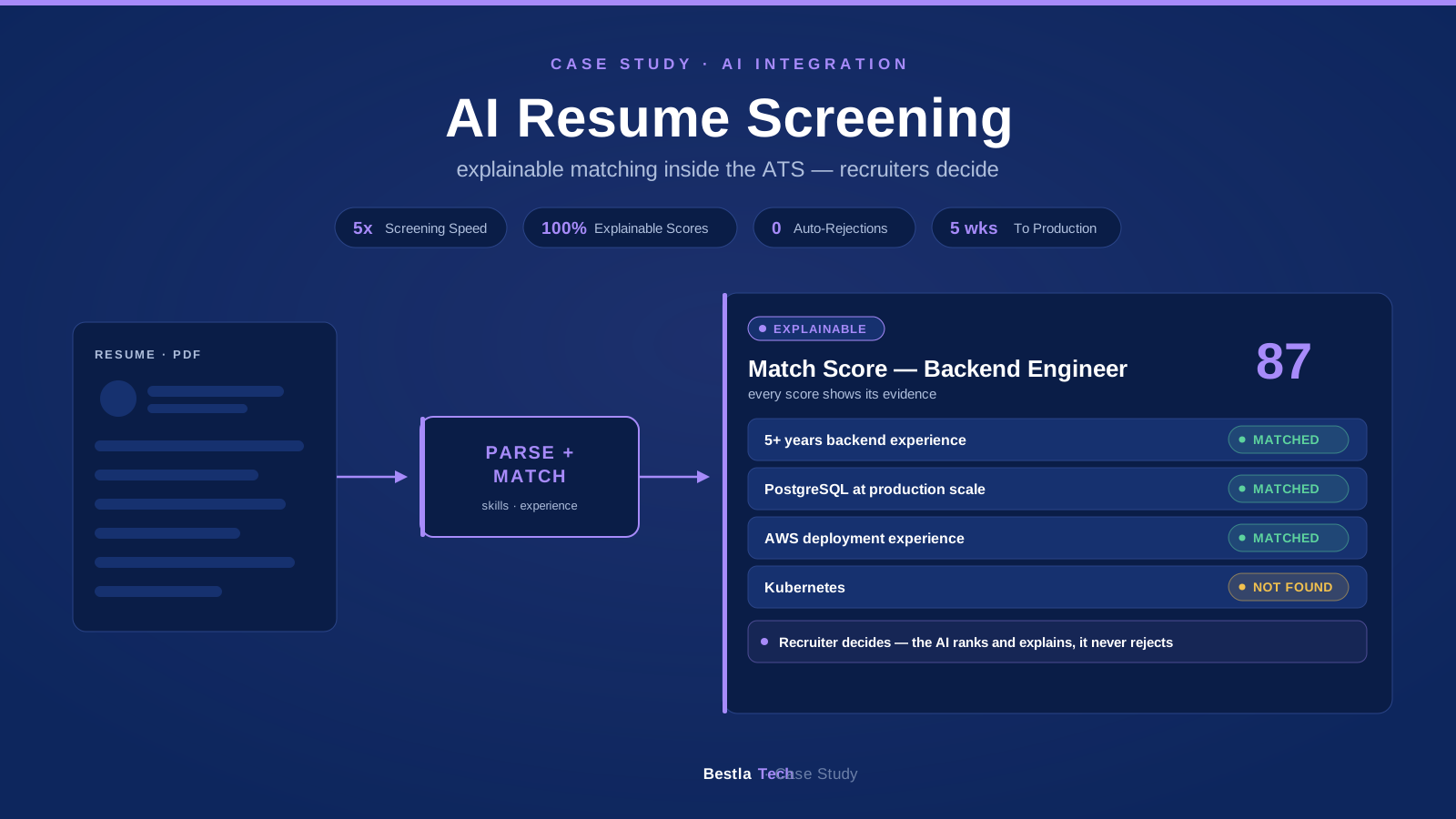
AI Integration / HR Tech
AI Resume Screening Inside an ATS: Parsing, Skill Extraction & Explainable Role Matching for an HR Tech Platform
AI integration for an HR tech platform: resume parsing, skill extraction, and explainable candidate-to-role matching built into the existing ATS workflow. Screening 5x faster, with recruiters making every decision.